
Free
You can start without paying.
- 5 tasks in each day's list
- 5 tasks in the No Date list
- 1 repeating rule
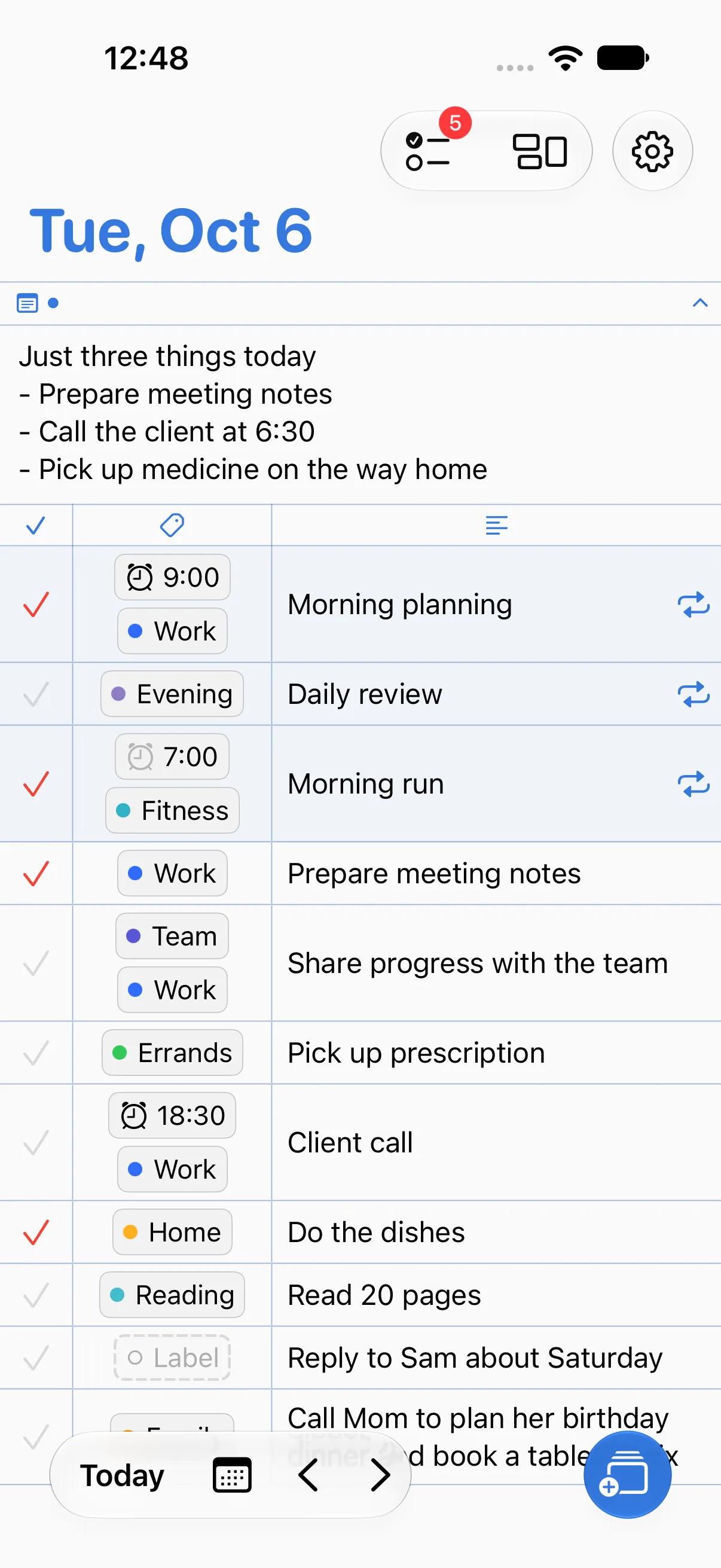
Write down tasks by date and sort them with labels that make sense to you.

Labels
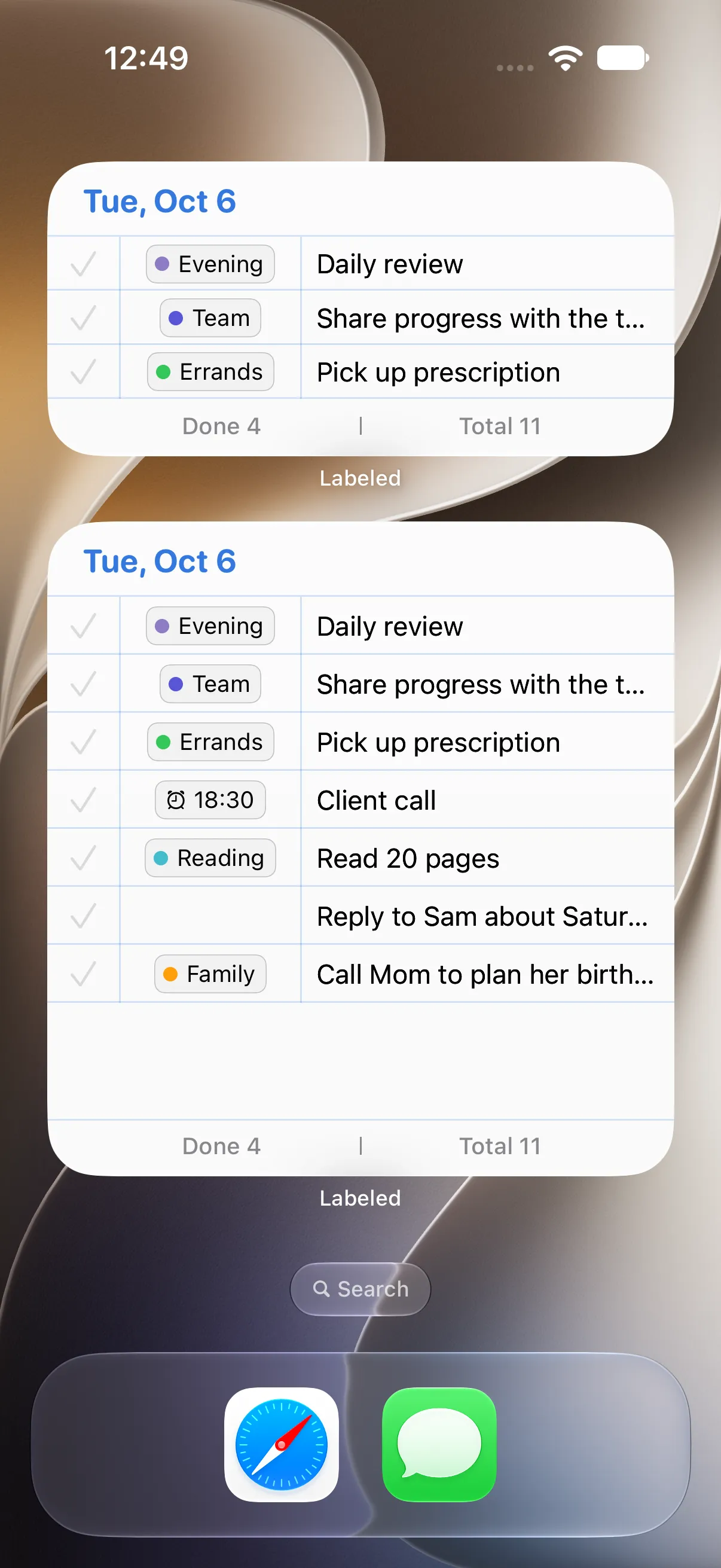
Give your tasks labels like Work, Exercise, or Home, each with its own name and color. Glance at your labels to see what you spent the day on and what's still left. Move anything you didn't get to over to tomorrow.
Time labels
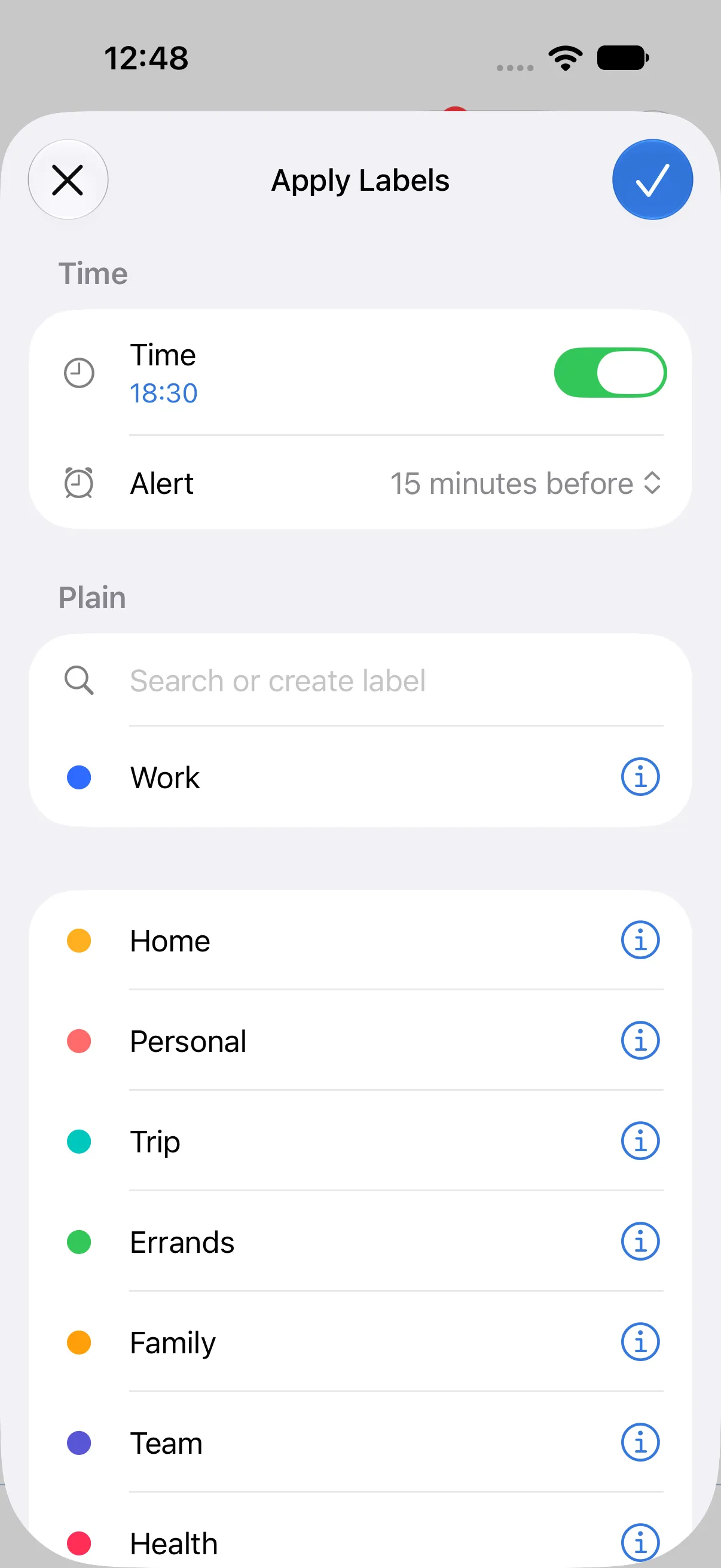
Add a time label to a task and the time shows right in your list. Set the reminder for the exact time or anywhere from 5 minutes to 3 hours before.
Daily lists
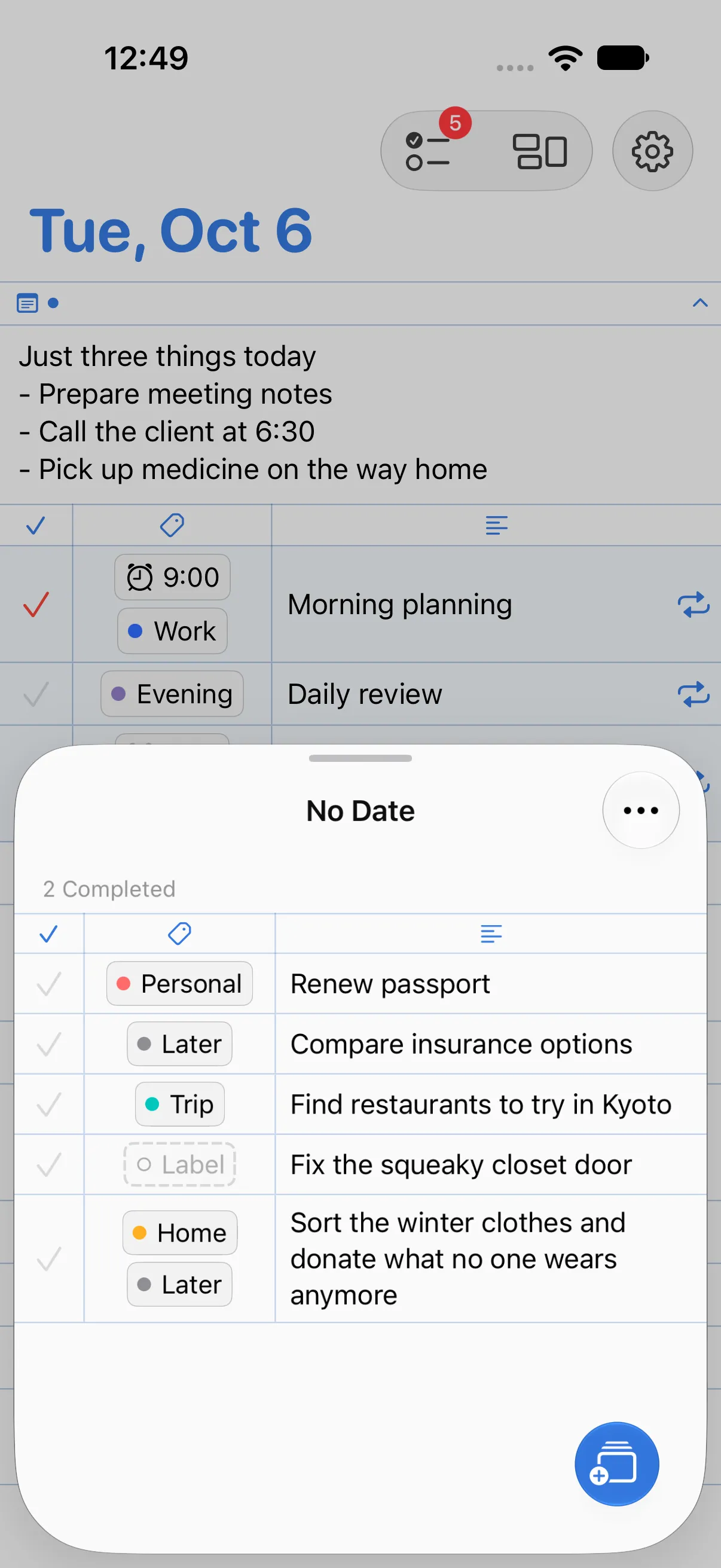
Write down tasks for each day and check them off. Tasks without a date yet go in the No Date list.
Overview
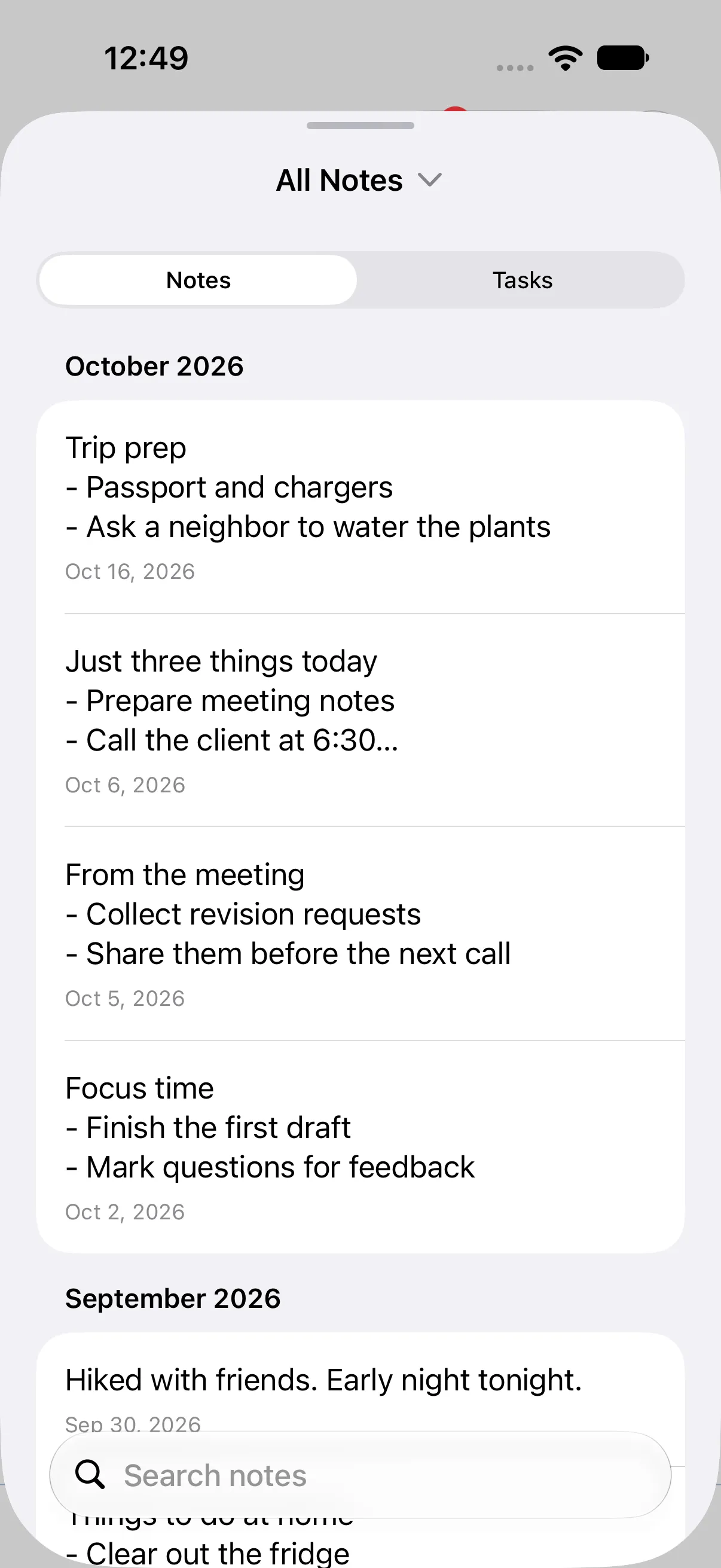
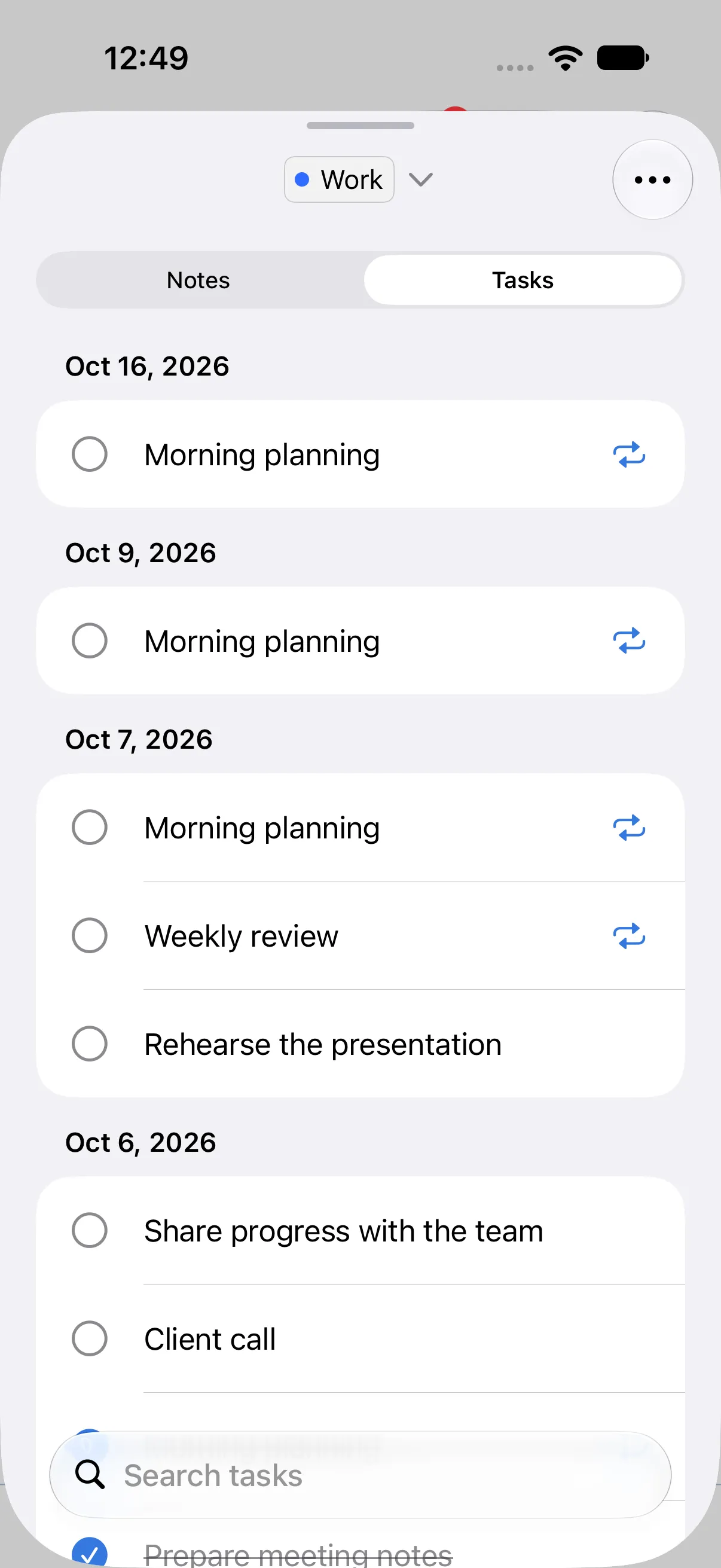
See daily notes in date order and tasks grouped by label, without opening past days one by one.
Repeating rules
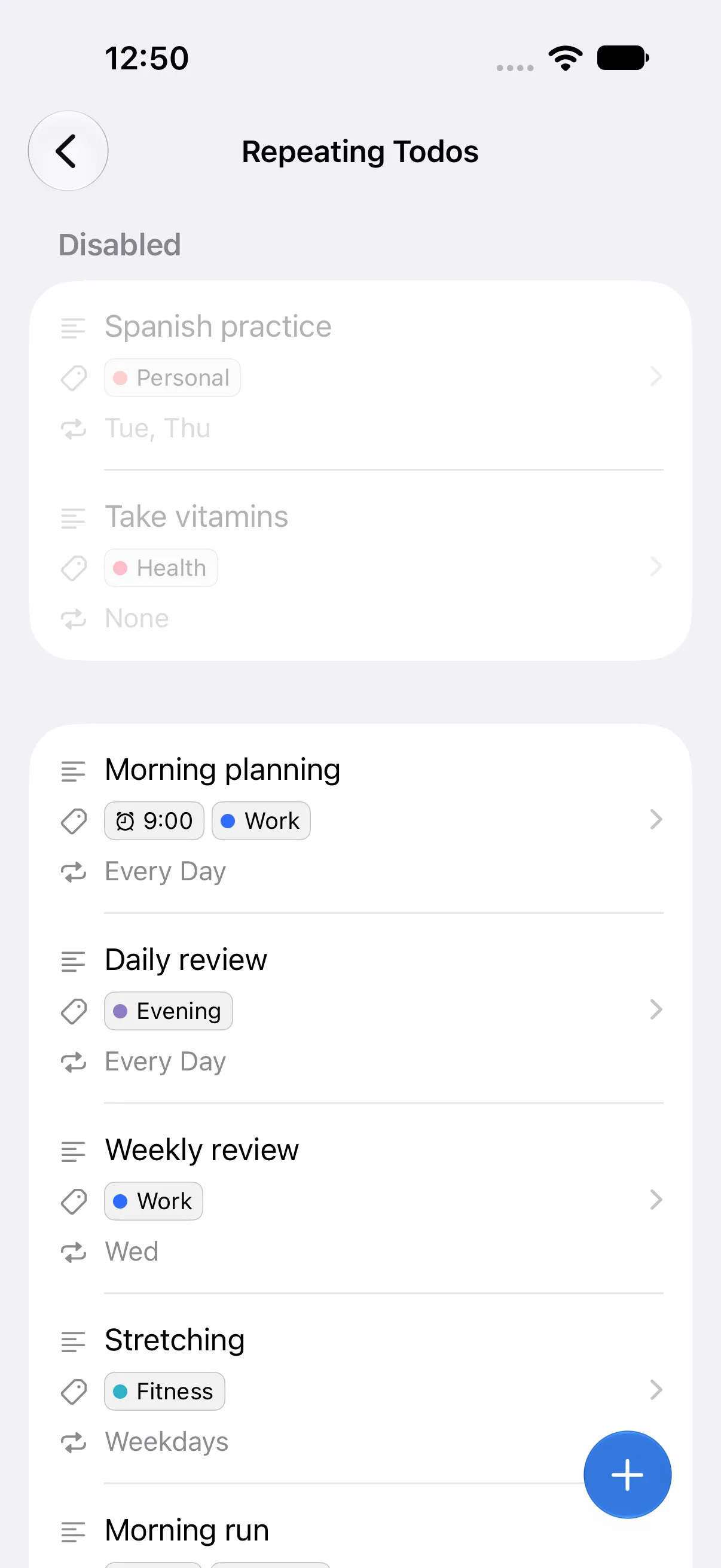
Pick every day, weekdays, or the days you want, and the task shows up on each of those days. You can edit your rules or pause them for a while on the Repeating Todos screen.
Home Screen widget
The widget shows your remaining tasks, and you can check them off there without opening the app.
Themes
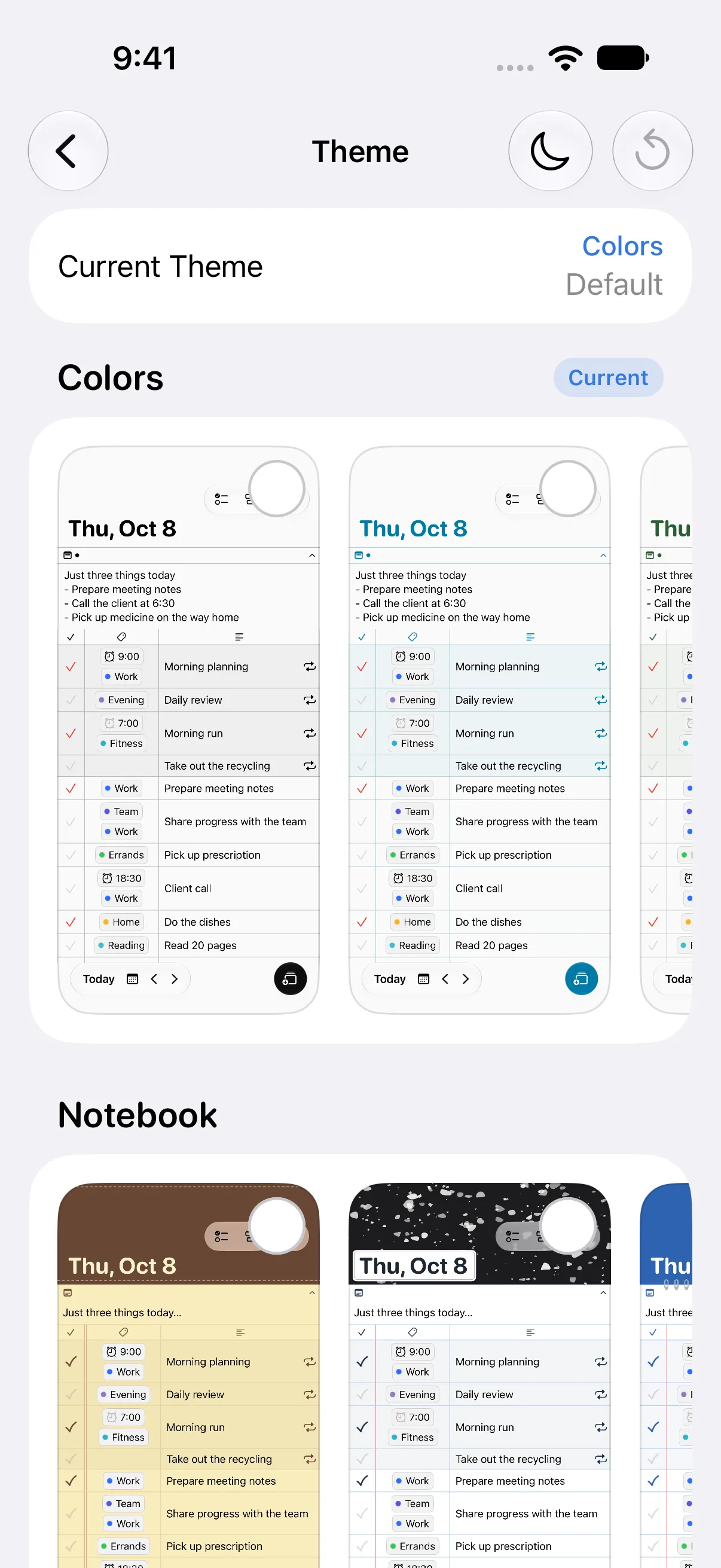
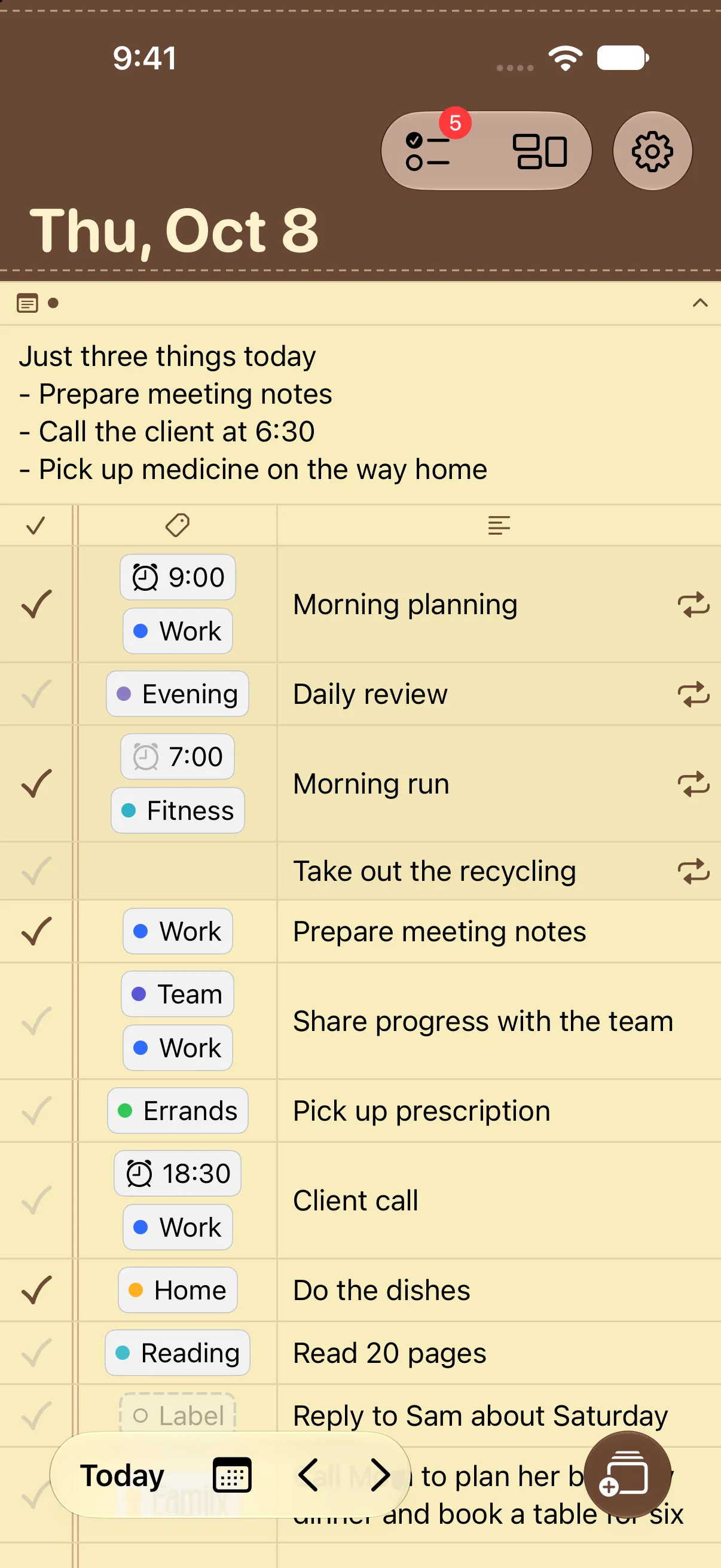
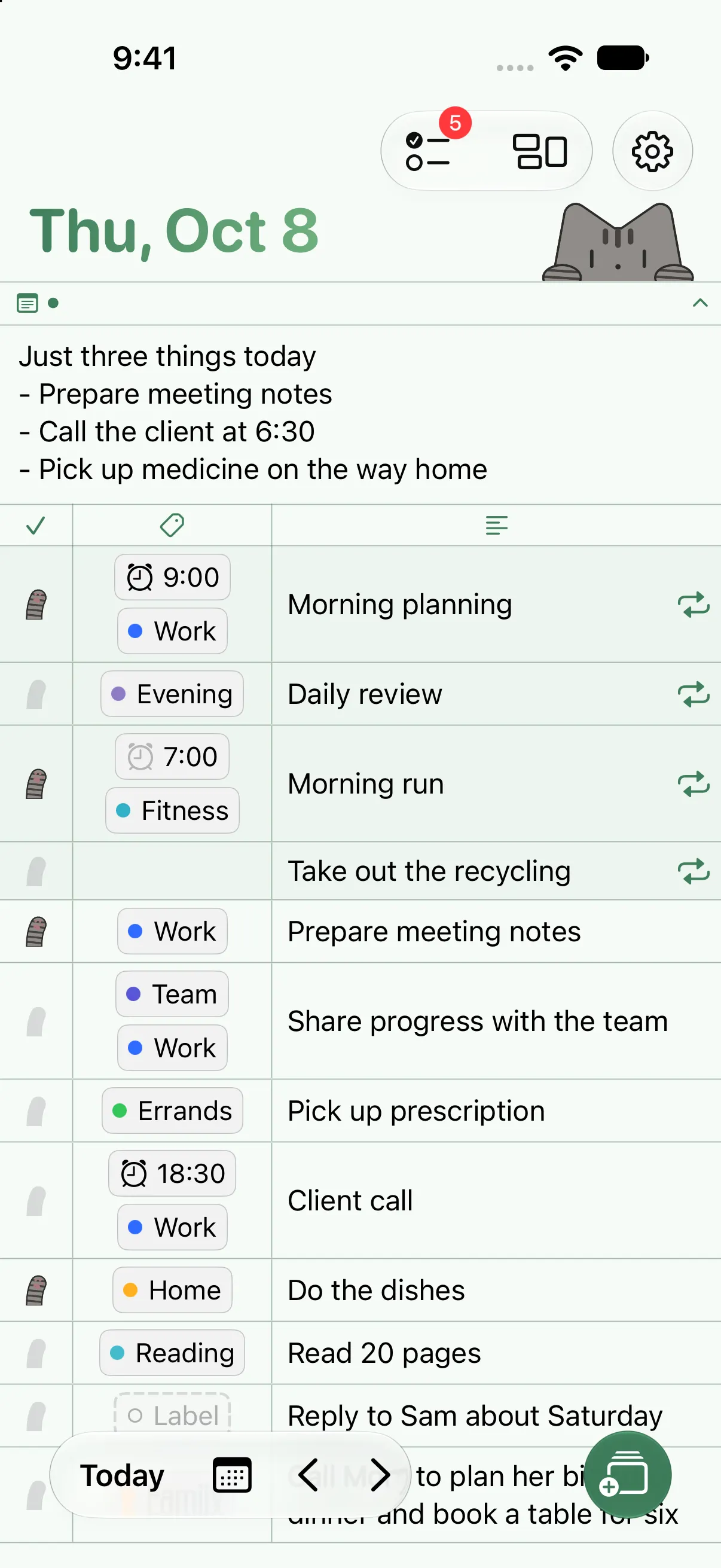
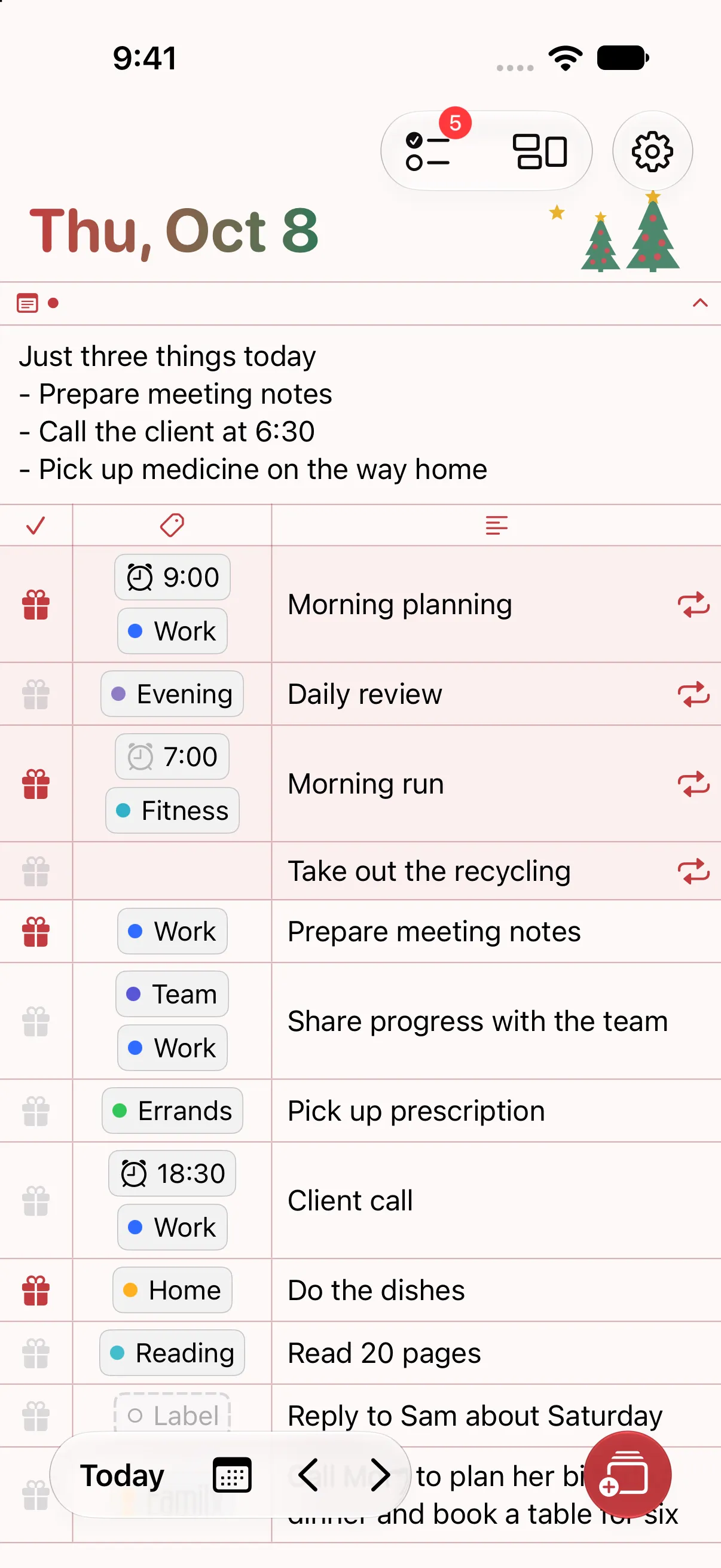
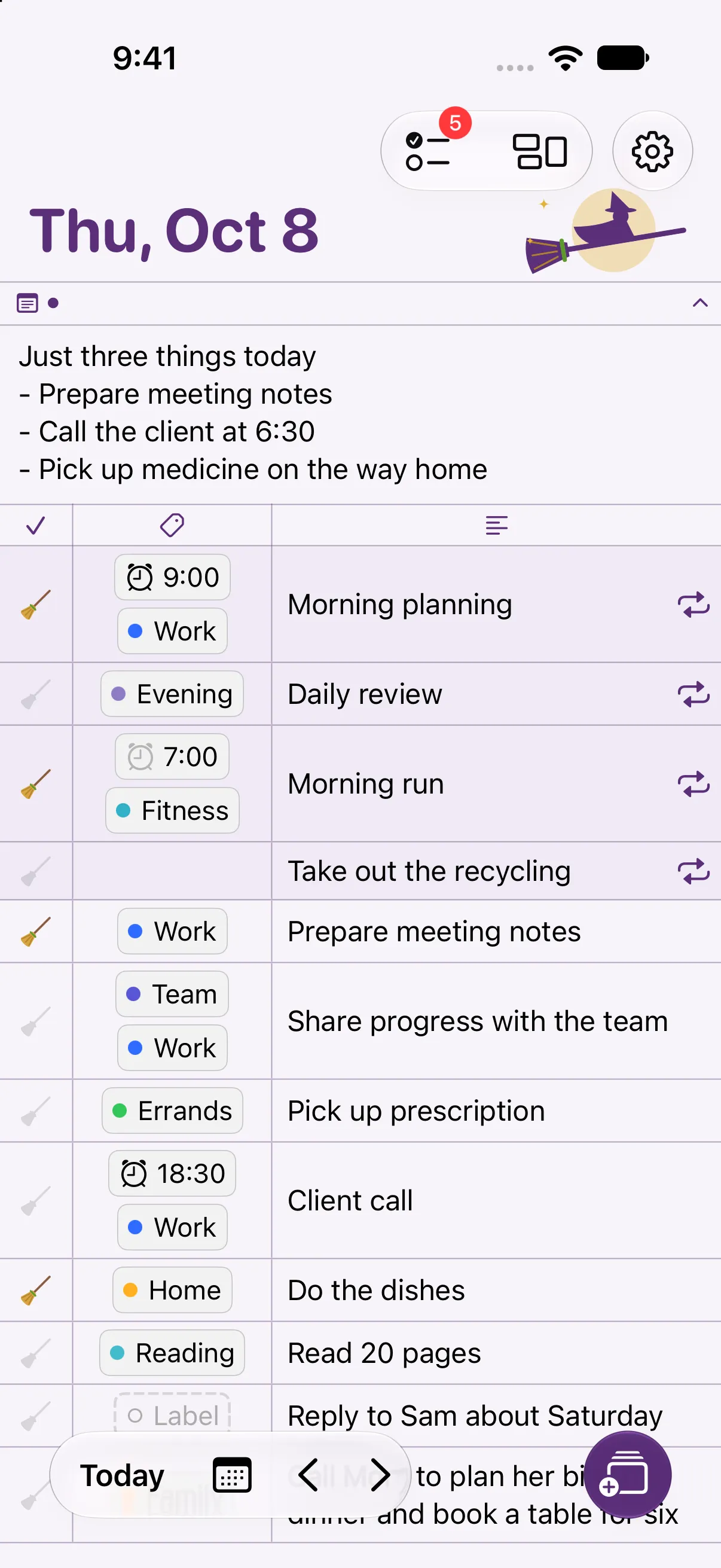
The theme you choose applies to both the app and your widgets. Switch anytime to match the season or your mood.
Your tasks, notes, and labels sync to your other devices automatically through iCloud.
Save a backup file wherever you like and restore it when you need it.
Your data isn't sent to outside services for ads or tracking.
You can start without paying.
Choose a monthly subscription or lifetime access. You can find the price on the App Store.
Yes. You can add up to 5 tasks to each day's list and 5 to the No Date list, plus 1 repeating rule, for free. With Pro, every feature is available without limits.
In Labeled, every task gets a label. Your labels show what kinds of things filled your day, and looking at one label across several days shows the bigger pattern. Try labeling your tasks before bed or as your day begins to plan the day ahead.
Along with unlimited tasks and repeating rules, you get Home Screen widgets, colors and themes, and file backup and restore.
Your existing tasks, notes, and labels are never removed. The free limits apply only when you add new ones, and when you turn Pro back on, you can keep going without limits.
Yes. Labeled works on iPhone, iPad, and Mac, and requires iOS 26.0 or later. Tasks, notes, and labels sync automatically through iCloud between devices signed in with the same Apple Account.
An Android app is in development. For now, Labeled is available only on iPhone, iPad, and Mac.
No. Your tasks, notes, and labels are stored on your device and in your iCloud account.
